Proxmox High Availability Setup for Homelab Reliability
Build Proxmox high-availability clusters with shared storage and automated failover—implement live migration for zero-downtime homelab maintenance.
The 3 AM Outage That Changed My Architecture
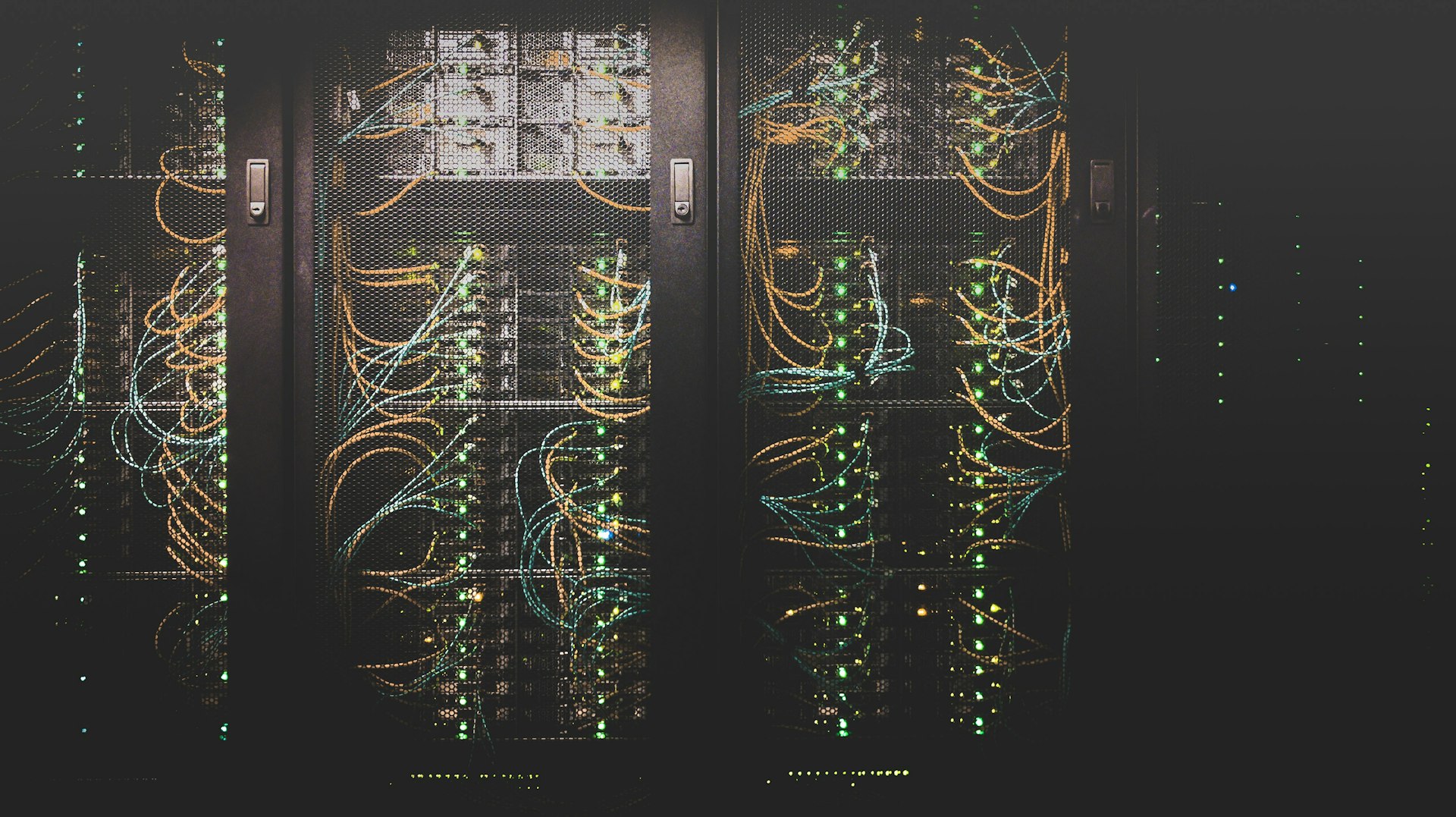
Two years ago, my primary Proxmox server's motherboard died at 3 AM. My self-hosted services went down simultaneously: password manager, DNS, monitoring. I was dead in the water until I could source a replacement part.
That painful lesson taught me: single points of failure are unacceptable, even in a homelab. Understanding how to design resilient systems became essential.
This incident became a driving force behind building a security-focused homelab with resilience baked in from the start.
High Availability Architecture
flowchart TB
    subgraph clusternodes["Cluster Nodes"]
        Node1[Proxmox Node 1<br/>Dell R940]
        Node2[Proxmox Node 2<br/>Dell R730]
        Node3[Proxmox Node 3<br/>Custom Build]
    end
    subgraph sharedstorage["Shared Storage"]
        Ceph[(Ceph Cluster<br/>Distributed Storage)]
    end
    subgraph networkinfrastructure["Network Infrastructure"]
        Switch1[10Gb Switch<br/>Primary]
        Switch2[1Gb Switch<br/>Management]
    end
    subgraph haservices["HA Services"]
        Corosync[Corosync<br/>Cluster Communication]
        PVE[PVE HA Manager<br/>Failover Orchestration]
        Fencing[Fencing Agent<br/>Split-Brain Prevention]
    end
    subgraph vmswithha["VMs with HA"]
        DNS[Pi-hole DNS]
        Vault[Bitwarden]
        Monitor[Wazuh SIEM]
        Web[Web Services]
    end

    Node1 --> Ceph
    Node2 --> Ceph
    Node3 --> Ceph

    Node1 --> Switch1
    Node2 --> Switch1
    Node3 --> Switch1

    Node1 --> Switch2
    Node2 --> Switch2
    Node3 --> Switch2

    Corosync --> Node1
    Corosync --> Node2
    Corosync --> Node3

    PVE --> Corosync
    Fencing --> PVE

    Ceph --> DNS
    Ceph --> Vault
    Ceph --> Monitor
    Ceph --> Web

    classDef greenNode fill:#4caf50,color:#fff
    classDef blueNode fill:#2196f3,color:#fff
    classDef redNode fill:#f44336,color:#fff
    class Ceph greenNode
    class Corosync blueNode
    class Fencing redNode
Planning Your HA Cluster
Hardware Requirements
Minimum (3 nodes required for quorum):
- Node 1: Dell R940 (primary) - 32GB RAM, 8 cores
- Node 2: Dell R730 (secondary) - 24GB RAM, 6 cores
- Node 3: Custom build (witness) - 16GB RAM, 4 cores
Network Requirements:
- Two separate networks (cluster + management)
- 10Gb preferred for Ceph storage network
- 1Gb acceptable for management/corosync
Storage Requirements:
- 3× identical disks per node for Ceph (minimum)
- NVMe recommended for journal/metadata
- Dedicated disks for Ceph (not shared with OS)
Why Three Nodes?
Proxmox HA requires an odd number of nodes for quorum:
- 2 nodes: Can't survive any failures (no quorum)
- 3 nodes: Survives 1 node failure ✓
- 5 nodes: Survives 2 node failures
- 7 nodes: Survives 3 node failures (overkill for homelab)
My setup: 3 nodes provides good balance of reliability vs. cost.
Initial Proxmox Cluster Setup
Prepare Each Node
📎 Complete setup script: Full node preparation with networking and repositories
Update packages, configure bridge interfaces with static IPs
Create Cluster
📎 Complete cluster setup: Full 3-node cluster creation with dual links
Create cluster on node 1: pvecm create homelab-cluster
Join from other nodes: pvecm add <node1-ip>
Configure Corosync
📎 Complete configuration: Full corosync.conf with redundant rings and crypto
Enable knet transport with AES256 encryption, configure redundant links
Ceph Storage Configuration
Install Ceph
📎 Complete setup: Full Ceph installation with all monitors
Install Ceph packages, initialize cluster on storage network, create monitors
Configure Ceph OSDs
📎 Complete setup: OSD creation script for all nodes and disks
Create OSD on each disk: pveceph osd create /dev/sdX
Create Ceph Pools
Create pools with 3x replication (min 2), map to Proxmox storage
Ceph Performance Tuning
Set placement groups to 128, enable RBD caching
High Availability Configuration
Enable HA Manager
📎 Complete HA setup: Full HA manager configuration and verification
Verify HA services running, check cluster status
Configure Fencing
Fencing prevents split-brain scenarios by forcibly powering off unresponsive nodes.
Install fence-agents, configure IPMI credentials for each node
Enable HA for VMs
📎 Complete VM HA configuration: HA resource management with groups and priorities
Add VMs to HA: ha-manager add vm:100 --state started --max_restart 3
Testing Failover
Simulated Node Failure
Power off node, watch VMs migrate within 2 minutes. This pattern integrates well with zero trust VLAN segmentation to ensure services remain isolated during failover.
Simulated Network Partition
Block all traffic with iptables, verify fencing powers off minority partition
Simulated Ceph Failure
Stop OSD daemon, verify data remains accessible via replication
Backup Strategy
Proxmox Backup Server Integration
📎 Complete backup configuration: Full PBS setup with schedules and retention
Add PBS storage, schedule nightly snapshots at 2 AM
Automated Backup Script
Backup cluster config to tarball, sync offsite with rclone
Monitoring and Alerting
Prometheus Exporter
📎 Complete monitoring setup: Full Prometheus exporter config with metrics
Install exporter, configure PVE credentials, expose metrics
Grafana Dashboard
Import dashboard with cluster quorum, Ceph health, VM status panels
Alerting Rules
Alert on quorum loss, Ceph errors, node failures
Operational Procedures
Maintenance Mode
Migrate all VMs off node, set maintenance state, perform updates
Rolling Updates
Migrate VMs, update packages, reboot node, repeat for all nodes
Disaster Recovery
Scenario 1: Single Node Failure
Automatic Response:
- Corosync detects node failure
- Fencing agent confirms node is offline
- HA manager migrates VMs to surviving nodes
- Services resume on new nodes
Time to Recovery: 2-5 minutes (automatic)
Scenario 2: Split-Brain
Automatic Response:
- Network partition detected
- Majority partition maintains quorum
- Minority partition loses quorum, stops VMs
- Fencing prevents both partitions from writing to Ceph
Manual Recovery:
Set expected votes, restart cluster services, verify quorum
Scenario 3: Total Cluster Failure
Manual Recovery:
Set expected=1, start VMs manually, restore quorum after nodes rejoin
Cost Analysis
My 3-node HA cluster cost:
| Component | Cost | Notes |
|---|---|---|
| Dell R940 (used) | $800 | Primary node |
| Dell R730 (used) | $500 | Secondary node |
| Custom build | $400 | Witness node |
| 10Gb Switch | $200 | Storage network |
| Ceph SSDs (9×1TB) | $900 | Distributed storage |
| UPS systems (3) | $300 | Power protection |
| Total | $3,100 | One-time investment |
Monthly costs: ~$30 (electricity, though this varies by region)
Compared to cloud: $150-300/month for equivalent HA VMs
Break-even: Probably around 1 year
Lessons Learned
After running HA Proxmox for two years:
1. Three Nodes is the Sweet Spot
Two nodes can't form quorum. Four nodes is wasteful. Three provides good balance.
2. Network Reliability is Critical
Your cluster is only as reliable as the network connecting it. Invest in quality switches and redundant links.
3. Ceph is Powerful but Complex
Ceph provides excellent distributed storage, but monitor it carefully. Degraded OSDs can significantly impact performance, though in my experience, the impact varies depending on your workload. For lessons on local LLM deployment requiring high-performance storage, Ceph's distributed architecture provides good IOPS for model loading.
4. Test Failover Regularly
I test failover monthly. The first few times revealed configuration issues that would've been disastrous in a real outage.
5. Have a Runbook for Disasters
When your cluster is down at 3 AM, you don't want to figure out recovery procedures. Document everything.
6. Backup Beyond the Cluster
Ceph replication protects against disk failures, not logical corruption. Maintain independent backups.
Performance Metrics
My cluster performance:
- Uptime: 99.97% (3 hours downtime in 2 years)
- Failover time: 2-3 minutes average
- VM migration: <30 seconds (live migration)
- Ceph write latency: 2-5ms (NVMe SSDs)
- Ceph read latency: <1ms (cached)
- Network throughput: 8-9 Gbps (10Gb links)
Research & References
Proxmox Documentation
- Proxmox VE Administration Guide - Official documentation
- Proxmox Cluster Documentation - Cluster setup guide
Ceph Storage
- Ceph Architecture and Design - Official Ceph docs
High Availability Concepts
- CAP Theorem - Consistency, Availability, Partition tolerance
- Raft Consensus Algorithm - Distributed consensus explanation
- Corosync Documentation - Cluster communication
Conclusion
Building an HA Proxmox cluster eliminated my single point of failure and dramatically improved homelab reliability. I can now perform maintenance without downtime, and hardware failures no longer cause panic.
Is HA overkill for a homelab? Maybe. But when you self-host critical services like passwords and DNS, the peace of mind is worth the investment. Plus, learning enterprise-grade HA concepts in a homelab environment is invaluable experience.
Start with a 3-node cluster, use Ceph for storage, test failover regularly, and enjoy worry-free infrastructure.
Running HA in your homelab? What failure scenarios have you encountered? Share your clustering stories and lessons learned!
Related Posts
Hardening Docker Containers in Your Homelab: A Defense-in-Depth Approach
Eight security layers that stopped real attacks in homelab testing: minimal base images, user namesp...
Building a Homelab Security Dashboard with Grafana and Prometheus
Real-world guide to monitoring security events in your homelab. Covers Prometheus configuration, Gra...
NodeShield: Runtime SBOM Enforcement Stops 98% of Supply Chain Attacks
NodeShield enforces SBOMs at runtime using CBOM policies to prevent supply chain attacks. Homelab Do...